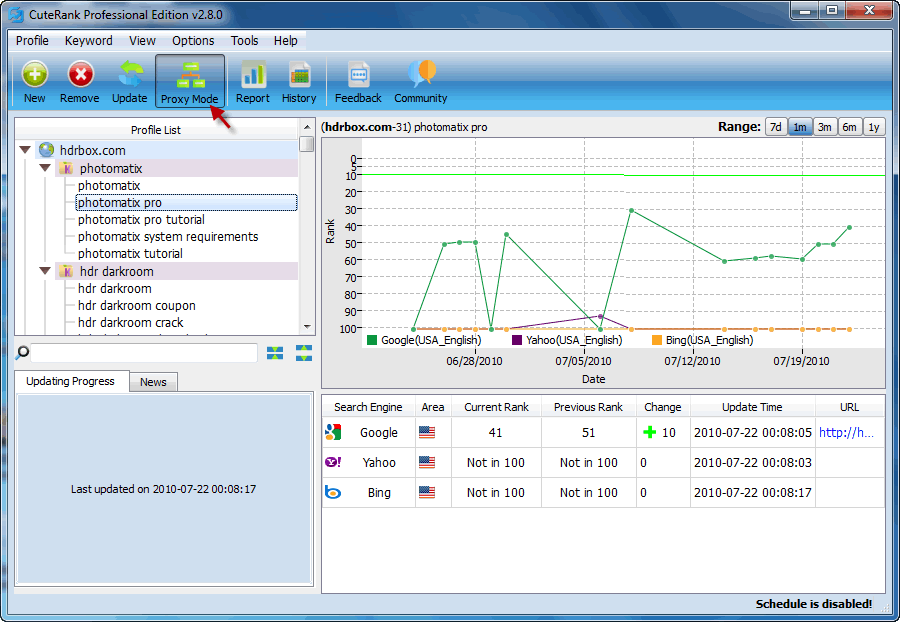
This post will show you how to use proxy mode in CuteRank to query keyword rank safely.
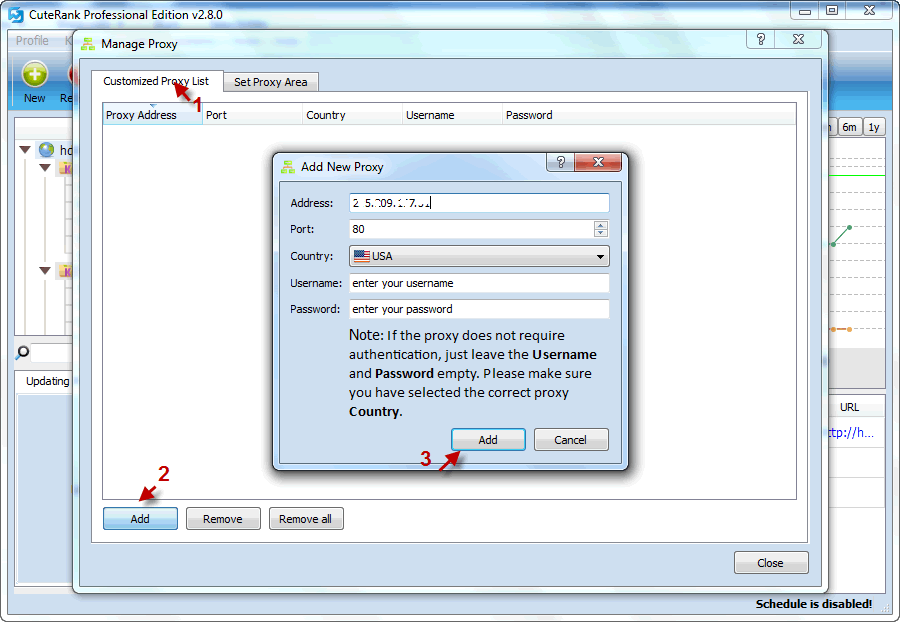
First we need to add a proxy or add multiple proxies:

You need to specify the proxy address, country, port, username and password if required.
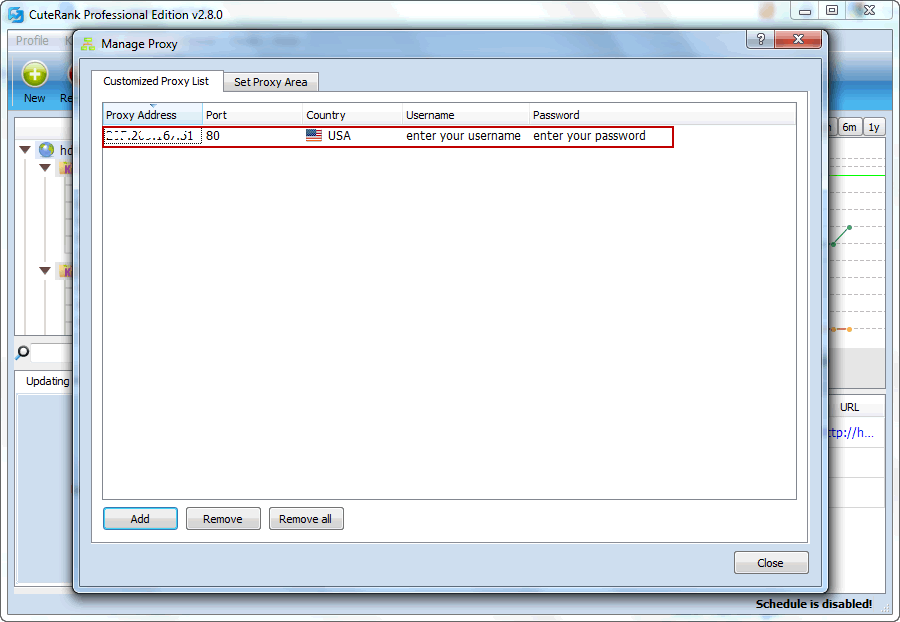
The proxy has been successfully added.
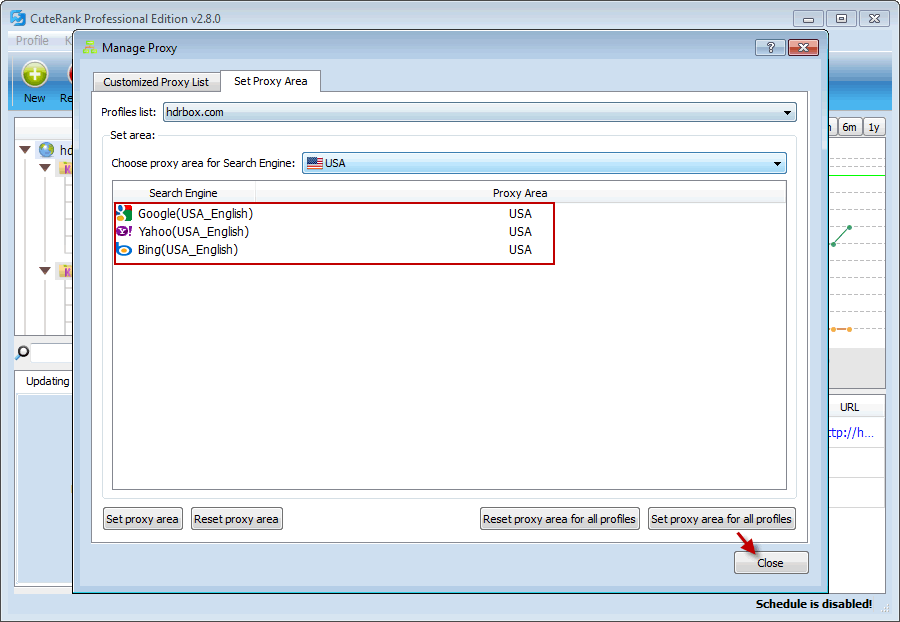
After adding the proxy, we need to set proxy area for the profiles. For a quick setting, just need to click on “set proxy area for all profiles”

We have successfully set up the proxy for the profiles in the specific country.
To start querying keyword ranks with the proxy, we only need to click on “Proxy Mode” to switch it on. Click again to switch the proxy mode off.